
Home Servers and Network Servers: A Beginner’s Guide
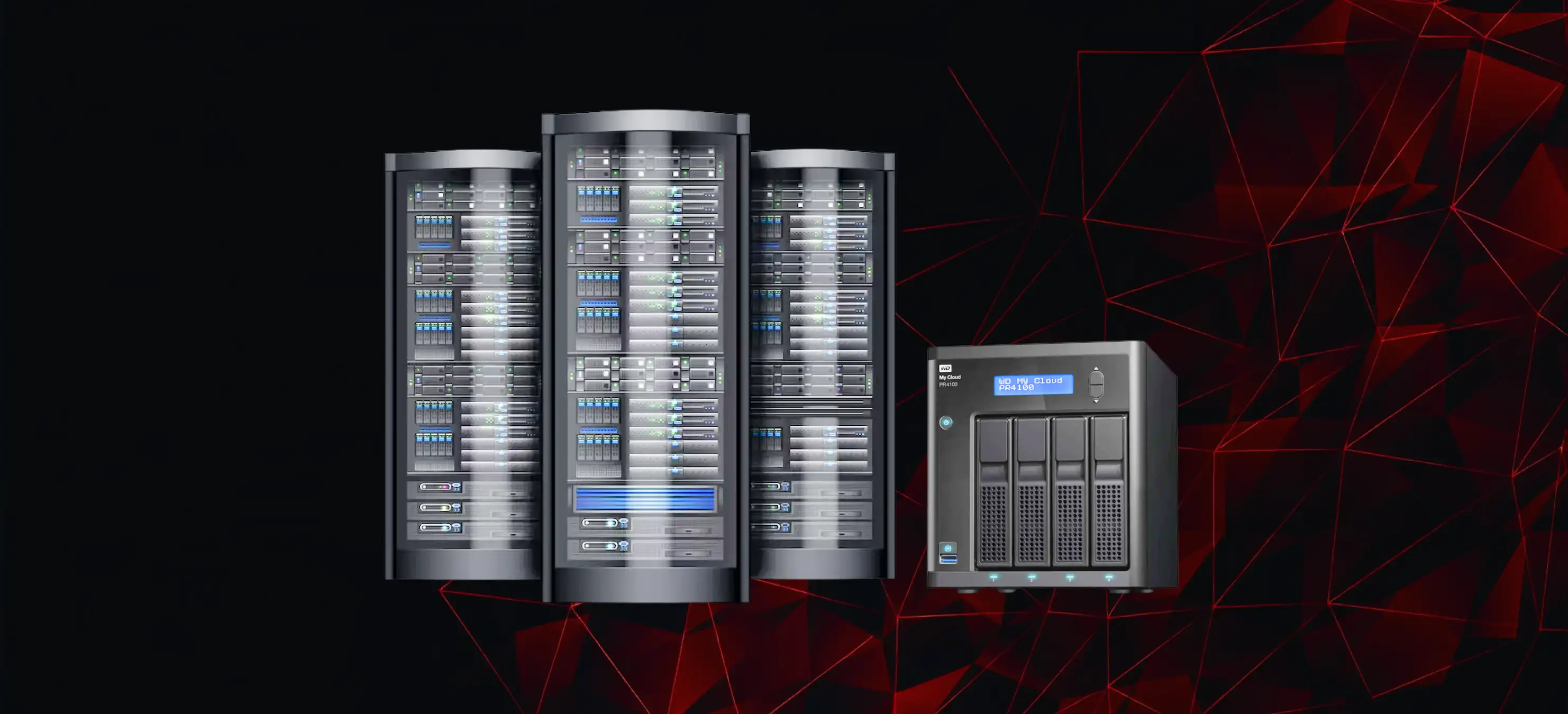
Beginner-friendly guide explaining home servers, network servers, NAS differences, use cases, and step-by-step setup fundamentals.
In today’s digital world, data, applications, and connectivity are at the heart of both personal and professional environments. Whether you are streaming media at home, backing up files, hosting websites, or managing business operations, servers play a critical role. Among them, home servers and network servers are becoming increasingly popular due to their flexibility and cost efficiency.
This guide explains what servers are, how home servers work, their use cases, and how they differ from NAS devices, helping you decide if setting up a server at home is right for you.
What Is a Server?
A server is a computer system designed to provide services, resources, or data to other computers (called clients) over a network. Unlike regular desktop PCs, servers are optimized for:
- Continuous operation (24/7 uptime)
- Handling multiple user requests
- Data storage and management
- Network security and reliability
Servers can be physical machines or virtual systems and are commonly used in businesses, data centers, and increasingly, in homes.
What Is a Home Server?
A home server is a server system set up within a residential environment to manage personal data, applications, and network services. It allows users to centralize storage, automate tasks, and run applications locally instead of relying entirely on cloud services.
Home servers can be:
- Dedicated server hardware
- Repurposed desktops or laptops
- Mini PCs
- DIY systems built with consumer-grade components
What Is a Home Server Used For?
A home server can serve many purposes depending on your needs and technical skill level.
Common Uses of a Home Server
1. File Storage & Backup
Store photos, videos, documents, and create automated backups for all devices in your home.
2. Media Streaming
Run platforms like Plex or Jellyfin to stream movies, TV shows, and music to smart TVs and mobile devices.
3. Private Cloud
Create your own cloud using tools like Nextcloud to sync files securely without monthly fees.
4. Home Automation
Control smart devices, cameras, and IoT systems through a centralized server.
5. Web & Application Hosting
Host websites, game servers, or development environments locally.
6. Network Services
Run DNS, VPN, firewall, or ad-blocking services for enhanced privacy and security.
What Are Network Servers?
Network servers are servers specifically designed to manage and distribute resources across a network. These servers are commonly used in offices, enterprises, and data centers, but can also exist in advanced home setups.
Types of Network Servers
- File servers – Manage shared files and folders
- Application servers – Run software applications
- Web servers – Host websites
- Database servers – Store and process data
- Print servers – Manage printers across networks
In a home environment, a home server often performs multiple network server roles simultaneously.
What Is the Best Server for a Home Server?
The “best” home server depends on your use case, budget, and technical experience.
Best Options for Home Servers
1. Mini PCs & Small Form Factor Servers
Ideal for beginners due to low power consumption and quiet operation.
2. Repurposed Desktop PCs
Cost-effective option using older hardware with upgraded storage and RAM.
3. Dedicated Home Server Hardware
Offers better reliability, ECC memory support, and long-term uptime.
4. NAS-Based Servers
Some NAS devices can run server applications alongside storage tasks.
Key Factors to Consider
- CPU performance
- RAM capacity (8GB–16GB recommended)
- Storage type (SSD + HDD)
- Power efficiency
- Noise level
- Expandability
What’s the Difference Between a NAS and a Home Server?
This is one of the most common questions among beginners.
| FeatureNASHome Server | ||
| Primary Function | File storage | Multi-purpose computing |
| Setup | Simple | Moderate to advanced |
| Customization | Limited | Highly flexible |
| Performance | Optimized for storage | Depends on hardware |
| Applications | Storage-focused | Storage, apps, hosting, automation |
Key Takeaway
- NAS is best for users who mainly need file storage and backups.
- Home servers are ideal for users who want flexibility, control, and multiple services in one system.
Can I Set Up a Server at Home?
Yes, you can absolutely set up a server at home, even with minimal experience.
Basic Requirements
- Computer or server hardware
- Operating system (Linux, Windows Server, or NAS OS)
- Network connection
- Basic networking knowledge
Simple Steps to Get Started
- Choose your hardware
- Install a server operating system
- Connect the server to your home network
- Configure services (storage, media, VPN, etc.)
- Secure the server with updates and firewalls
Many home users start small and expand as their needs grow.
Benefits of Running a Home Server
- Full control over your data
- Reduced dependence on cloud services
- Improved privacy and security
- Cost savings over time
- Customizable and scalable setup
Challenges to Consider
- Initial setup complexity
- Hardware and electricity costs
- Maintenance and updates
- Network security responsibility
However, with proper planning, these challenges are manageable even for beginners.
Final Thoughts
A home server is a powerful tool that bridges the gap between personal computing and enterprise technology. Whether you want a simple file server or a fully functional network server at home, modern hardware and software make it easier than ever to get started.
Understanding the difference between NAS devices, home servers, and network servers helps you choose the right solution based on performance, flexibility, and long-term goals. With the right setup, a home server can become the backbone of your digital lifestyle.
FAQs – Server & Home Server
What is a server?
A server is a computer that provides data, services, or resources to other computers over a network.
What is a home server?
A home server is a server set up in a residential environment to store files, run applications, stream media, or manage network services.
What is a home server used for?
A home server is commonly used for file storage, data backups, media streaming, private cloud services, home automation, and hosting applications.
What are network servers?
Network servers are systems that manage shared resources such as files, applications, databases, and internet access for multiple devices on a network.
What is the best server for a home server?
The best home server depends on your needs, but popular options include mini PCs, repurposed desktops, NAS-based servers, or dedicated home server hardware.
What’s the difference between a NAS and a home server?
A NAS is mainly designed for file storage and backups, while a home server can run multiple services such as applications, websites, media servers, and automation tools.
Can I set up a server at home?
Yes, anyone can set up a server at home using basic hardware, a stable internet connection, and a server operating system.
Do I need special hardware for a home server?
No, you can start with an old PC or mini computer, although dedicated server hardware offers better performance and reliability.
Is a home server expensive to run?
Home servers can be very affordable, especially when using energy-efficient hardware. Electricity and storage upgrades are the main ongoing costs.
Is it safe to run a server at home?
Yes, as long as you keep the system updated, use strong passwords, enable firewalls, and follow basic security practices.
Can a home server replace cloud services?
A home server can replace many cloud services by providing private storage, backups, and self-hosted applications with full data control.
Who should use a home server?
Home servers are ideal for tech enthusiasts, small home offices, content creators, and anyone who wants control over their data and network services.
RECENT BLOG POSTS
CATEGORIES
- Laptop Comparisons
- Cisco Switches
- Laptop Comparisons
- Cisco Switches
Contact Us
Send us a Message
Fill out the form below to get started, and a member of our team will contact you as soon as possible