
Top 10 KVM Switches for Seamless Dual Monitor Setup in 2026
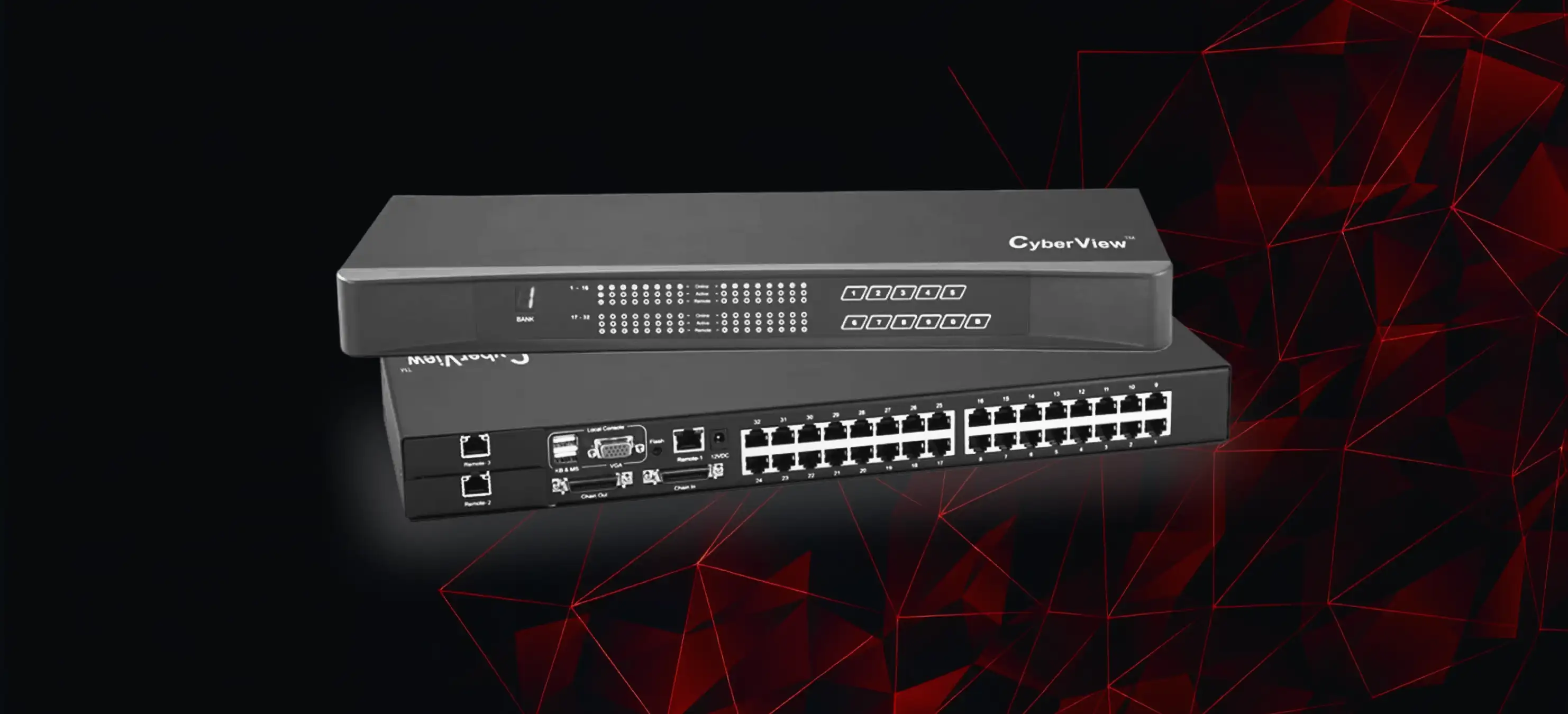
Discover the top 10 KVM switches for dual monitor setups in 2026. Compare features, benefits, and choose the best KVM switch for your workspace.
As workspaces continue to evolve in 2026, professionals, gamers, IT administrators, and businesses increasingly rely on dual monitor setups for higher productivity. Managing multiple computers across two displays can quickly become cluttered without the right solution. This is where KVM switches play a critical role.
A dual monitor KVM switch allows you to control multiple computers using a single keyboard, mouse, and two monitors, eliminating cable chaos and maximizing efficiency. In this guide, we’ve curated the top 10 KVM switches for seamless dual monitor setups in 2026, helping you choose the best option for your needs.
Why Dual Monitor KVM Switches Are Essential in 2026
Dual monitor KVM switches are no longer a luxury they’re a necessity for modern workflows.
Key Benefits:
Boost productivity by switching between systems instantly
Save desk space with fewer peripherals
Reduce hardware costs by sharing monitors and USB devices
Improve IT efficiency in offices and data centers
Whether you’re managing workstations, servers, or creative setups, a KVM switch dual monitor solution delivers speed, flexibility, and reliability.
Key Features to Look for in a Dual Monitor KVM Switch
Before choosing the best KVM switch, consider the following essential features:
1. Dual Monitor Support
Ensure the KVM switch explicitly supports two displays simultaneously.
2. Video Interface Compatibility
HDMI KVM switch for most office and home setups
DisplayPort or USB-C for high-resolution workflows
3. Resolution & Performance
Look for support up to 4K @ 60Hz or higher for crisp visuals.
4. USB Connectivity
A USB KVM switch should support keyboards, mice, printers, webcams, and external drives.
5. Remote Access
KVM-over-IP switches are ideal for IT admins managing remote systems or data centers.
Top 10 KVM Switches for Dual Monitor Setups in 2026
Below are the best KVM switches designed for smooth dual-screen operation:
1. Dual HDMI USB KVM Switch – 4K Support
Supports two HDMI monitors
4K resolution with smooth switching
Ideal for office and home users
Best for: Productivity setups
2. Professional Dual Monitor USB KVM Switch
High-speed USB 3.0 support
Wide OS compatibility (Windows, macOS, Linux)
Best for: Multi-device professionals
3. Dual Monitor HDMI KVM Switch with Audio
Integrated audio switching
Plug-and-play installation
Best for: Creative workstations
4. Enterprise-Grade KVM-over-IP Switch
Secure remote access
Designed for server rooms and IT teams
Best for: Data center environments
5. Compact Dual Display USB KVM Switch
Space-saving design
Affordable and reliable
Best for: Small offices
6. 4K Dual Monitor KVM Switch with Hotkey Control
Keyboard shortcut switching
High refresh rate support
Best for: Power users
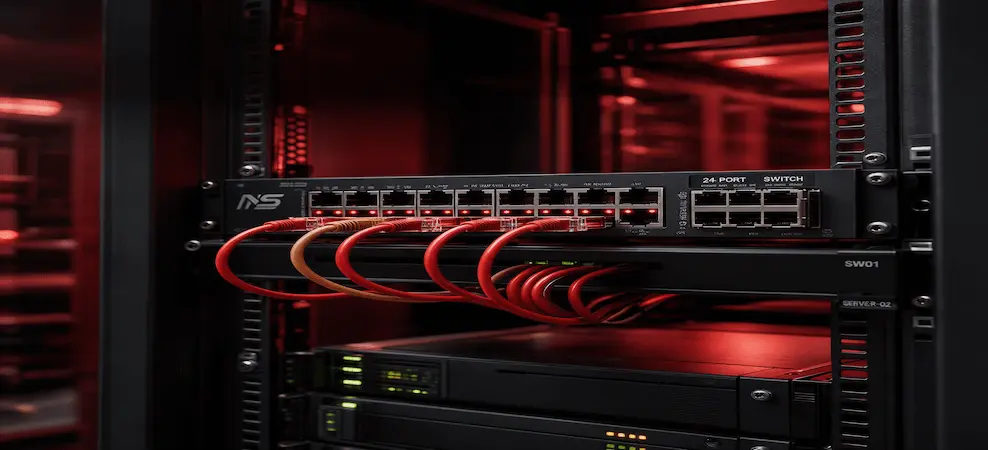
7. Rack-Mount Dual Monitor KVM Switch
Built for scalability
Durable enterprise hardware
Best for: Datacenter KVM switch requirements
8. HDMI Dual Monitor KVM Switch with USB-C Support
Modern connectivity
Works with laptops and desktops
Best for: Hybrid work setups
9. Multi-Computer Dual Monitor KVM Switch
Supports 4 or more systems
Centralized device management
Best for: Advanced multi-PC workflows
10. Budget-Friendly Dual Monitor KVM Switch
Reliable core features
Great value for money
Best for: Cost-conscious buyers
How to Choose the Right KVM Switch for Your Setup
Choosing the best KVM switch depends on your specific needs:
Home users: HDMI + USB KVM switch
Professionals: Dual monitor KVM switch with USB 3.0
IT teams: KVM-over-IP switches for remote control
Data centers: Rack-mounted datacenter KVM switch
Installation & Setup Tips for Dual Monitor KVM Switches
Connect monitors directly to the KVM switch
Use certified HDMI or DisplayPort cables
Connect keyboard and mouse via USB ports
Use hotkeys or physical buttons for fast switching
Conclusion
The right KVM switch can transform your workspace improving productivity, reducing clutter, and simplifying system management. Whether you need a dual monitor KVM switch, a USB KVM switch, or an advanced KVM-over-IP solution, investing in the right product ensures seamless performance in 2026 and beyond.
FAQ – KVM Switches
What is a KVM switch?
A KVM switch allows control of multiple computers using one keyboard, mouse, and monitor.
What does a KVM switch do?
It switches keyboard, mouse, video, and USB control between computers.
Why would someone use a KVM switch?
To improve productivity, reduce clutter, and manage multiple systems efficiently.
How does a KVM switch work?
It routes input and video signals between connected computers using hardware switching.
Do KVM switches still exist?
Yes, they are widely used in offices, data centers, and IT environments.
What are the disadvantages of KVM switches?
Cost, potential lag on low-end models, and cable complexity.
What is the best KVM switch?
The best KVM switch depends on monitor count, resolution, and use case.
What is the biggest KVM switch available?
Enterprise rack-mounted KVM switches supporting 64+ ports are the largest available.
RECENT BLOG POSTS
CATEGORIES
- Laptop Comparisons
- Cisco Switches
- Laptop Comparisons
- Cisco Switches
Contact Us
Send us a Message
Fill out the form below to get started, and a member of our team will contact you as soon as possible