
Network Switching Subsystem (NSS): Complete Guide to Ethernet Switching, PoE, 10G, and Enterprise Networks
Network Switching Subsystem (NSS): Complete Guide to Ethernet Switching, PoE, 10G, and Enterprise Networks
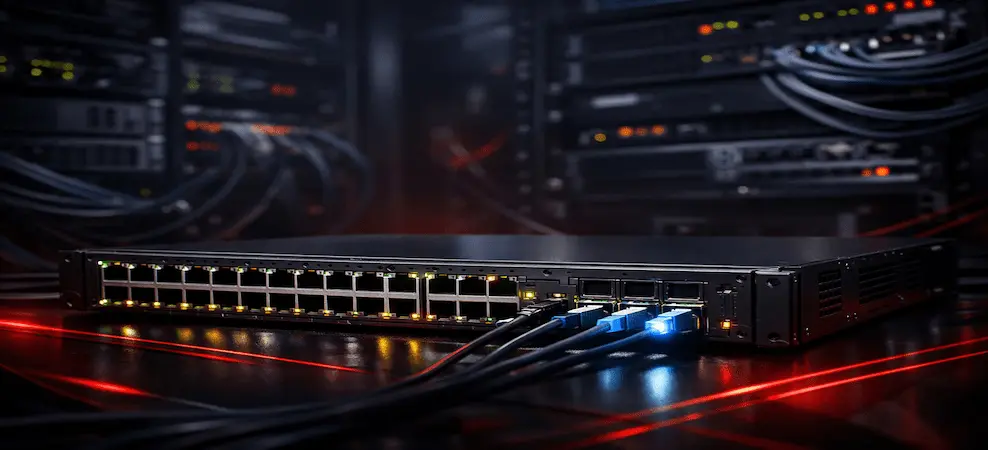
Modern digital infrastructure, whether at home, in an enterprise, or across telecom networks, depends on efficient network switching. At the core of this capability is the Network Switching Subsystem (NSS), supported by Ethernet switches that move data quickly, securely, and reliably between devices.
This guide explains what a network switching subsystem is, how networking and switching work together, the role of PoE and 10G network switches, and how to choose the right switch for business, home, or telecom use.
What Is a Network Switching Subsystem?
A Network Switching Subsystem (NSS) is the part of a network responsible for forwarding traffic, managing connections, and ensuring data reaches the correct destination efficiently.
In Data and Enterprise Networks
In Ethernet-based networks, the NSS includes:
- Network switches
- Switching fabric and ASICs
- Forwarding and control planes
- VLANs, QoS, and security policies
The NSS enables devices to communicate without collisions, delays, or unnecessary broadcasts.
In Telecom Networks
In telecom systems (such as GSM and LTE), NSS refers to the core switching system that manages:
- Call routing
- Subscriber authentication
- Mobility management
Networking and Switching: How They Work Together

Networking defines how devices connect and communicate.
Switching determines how data packets are forwarded within that network.
A network with a switch:
- Improves speed and efficiency
- Reduces broadcast traffic
- Enables segmentation and security
- Scales easily as devices increase
Today, Ethernet switches are the foundation of almost all modern networks.
Network Switch vs Hub
| Feature | Network Switch | Hub |
| Traffic Flow | Directed to destination | Broadcast to all |
| Performance | High | Low |
| Security | Strong | Weak |
| Status | Industry standard | Obsolete |
Hubs are no longer used in modern networking due to poor performance and security.
Network Switch vs Splitter
A splitter only duplicates a signal.
A network switch intelligently routes traffic between devices.
If you need to connect multiple devices reliably, a switch—not a splitter—is required.
Types of Networking Ethernet Switches
1. Network Switch for Home Use
Designed for simplicity and affordability:
- 5-port network switch
- 8-port network switch
- Plug-and-play
- Ideal for streaming, gaming, and home offices
2. 5-Port and 8-Port Network Switch
Best for:
- Small homes
- Work-from-home setups
- Temporary or edge networks
Low cost and no configuration required.
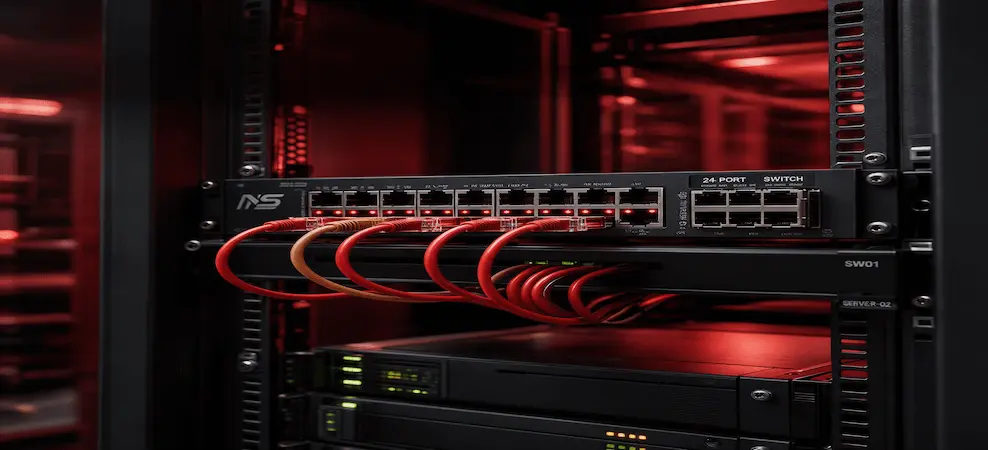
3. 24-Port Network Switch
Used in:
- Offices
- Small and medium businesses
- Schools and clinics
Supports multiple PCs, printers, servers, and access points.
4. PoE Network Switch (Power over Ethernet)
A PoE network switch delivers power and data over one Ethernet cable.
Commonly used for:
- IP cameras
- Wi-Fi access points
- VoIP phones
PoE reduces wiring costs and simplifies deployments.
5. 10Gb Network Switch / 10G Network Switch
Designed for high-performance environments:
- Data centers
- Virtualization
- NAS and storage networks
Supports SFP+ ports and high-bandwidth workloads.
6. Juniper Network Switch vs Cisco Network Switch
| Feature | Cisco | Juniper |
| Primary Use | Enterprise & campus | ISP & large enterprise |
| Operating System | IOS / IOS XE | Junos |
| Automation | DNA Center | Junos automation |
| PoE Options | Extensive | Limited |
| Best For | Access & campus | Core & backbone |
Network Switch Ports Explained
Common configurations:
- 5 ports – Home
- 8 ports – Small office
- 24 ports – SMB
- 48 ports – Enterprise
More ports support more devices but increase cost and power consumption.
How to Sign Into a Public Network on a Switch
In public or managed networks:
- Switch connects to upstream network
- Devices authenticate via:
- Captive portal
- VLAN assignment
- MAC authentication
- Access is enforced by network policies
Used in hotels, campuses, airports, and enterprises.
Telecom Concepts: NSS, BSS, HLR, and VLR
What Is NSS in Telecom?
The Network Switching Subsystem manages:
- Call setup and routing
- Mobility
- Subscriber authentication
Difference Between NSS and BSS
| NSS | BSS |
| Core network | Radio access |
| Switching & control | Base stations |
| Uses HLR/VLR | Uses BTS/BSC |
What Is HLR and VLR?
- HLR (Home Location Register)
- Stores permanent subscriber data
- VLR (Visitor Location Register)
- Stores temporary location information
These systems allow seamless roaming and call delivery.
Buying Guide: How to Choose the Right Network Switch
Choose Based on Environment
| Requirement | Recommended Switch |
| Home use | 5- or 8-port switch |
| Office | 24-port switch |
| Cameras & Wi-Fi | PoE network switch |
| High performance | 10G switch |
| Enterprise | Cisco or Juniper |
Key Buying Considerations
- Number of ports
- PoE requirements
- Speed (1G vs 10G)
- Managed vs unmanaged
- Vendor support and warranty
Commercial Value of a Strong Switching Subsystem
Businesses invest in better switching to:
- Reduce downtime
- Improve performance
- Support cloud, VoIP, and video
- Prepare for growth
A well-designed network switching subsystem improves reliability and user experience.
Final Thoughts
From home networks to enterprise campuses and telecom systems, the network switching subsystem is the backbone of connectivity. Understanding Ethernet switches, PoE, 10G networking, and telecom concepts empowers organizations to build faster, more secure, and future-ready networks.
Frequently Asked Questions (FAQs)
What is a network switching subsystem?
A network switching subsystem (NSS) is the part of a network that forwards data between devices. It manages traffic flow, switching decisions, and network efficiency in enterprise, home, and telecom environments.
What is a network switch used for?
A network switch connects multiple devices within a network and directs data only to the intended destination. This improves speed, security, and overall network performance.
What is the difference between a network switch and a hub?
A network switch sends data only to the specific device that needs it, while a hub broadcasts data to all connected devices. Switches are faster, more secure, and are the modern standard.
What is the difference between a network switch and a splitter?
A splitter simply duplicates a signal, while a network switch intelligently routes data between devices. Splitters are not suitable for modern Ethernet networking.
What is a PoE network switch?
A PoE (Power over Ethernet) network switch supplies both power and data over a single Ethernet cable, commonly used for IP cameras, Wi-Fi access points, and VoIP phones.
What is a 10G or 10Gb network switch?
A 10G network switch supports data speeds up to 10 gigabits per second and is typically used in data centers, enterprise networks, and high-performance environments.
How many ports do I need on a network switch?
For home use, a 5-port or 8-port switch is usually sufficient. Offices typically require 24-port switches, while enterprises may use 48-port or modular switches.
What is the best network switch for home use?
An unmanaged 5-port or 8-port Ethernet switch is best for home use because it is affordable, easy to install, and requires no configuration.
What is a Juniper network switch used for?
Juniper network switches are commonly used in service provider networks, data centers, and large enterprises where scalability, automation, and high throughput are required.
What is NSS in telecom?
In telecom, the Network Switching Subsystem (NSS) is the core network responsible for call routing, mobility management, and subscriber authentication.
What is the difference between NSS and BSS?
NSS handles switching, subscriber data, and call control, while BSS (Base Station Subsystem) manages radio communication between mobile devices and the network.
What are HLR and VLR in telecom?
HLR (Home Location Register) stores permanent subscriber information, while VLR (Visitor Location Register) temporarily stores subscriber location data to enable roaming and call delivery.
How does a network switch improve network performance?
A network switch reduces congestion by sending data only where it is needed, minimizing collisions and improving speed, reliability, and security.
How do I sign into a public network using a switch?
Public networks often require authentication through captive portals, VLAN assignments, or MAC-based access control, which are managed through the network switch.
What should I consider before buying a network switch?
Key factors include the number of ports, PoE support, network speed (1G or 10G), managed vs unmanaged options, and vendor support.
RECENT BLOG POSTS
CATEGORIES
- Laptop Comparisons
- Cisco Switches
- Laptop Comparisons
- Cisco Switches
Contact Us
Send us a Message
Fill out the form below to get started, and a member of our team will contact you as soon as possible